Translating Excel files with hidden cells or ranges
Sometimes you want to hide isolated cells or (rectangular) ranges of adjacent cells, rather than whole columns or rows:

- Press the Control or Command key and click in the cells/ranges that you want to hide:

- In the Format cells dialogue box of Excel create a Custom cell format with content ‘;;;’ (that is three consecutive semicolons):
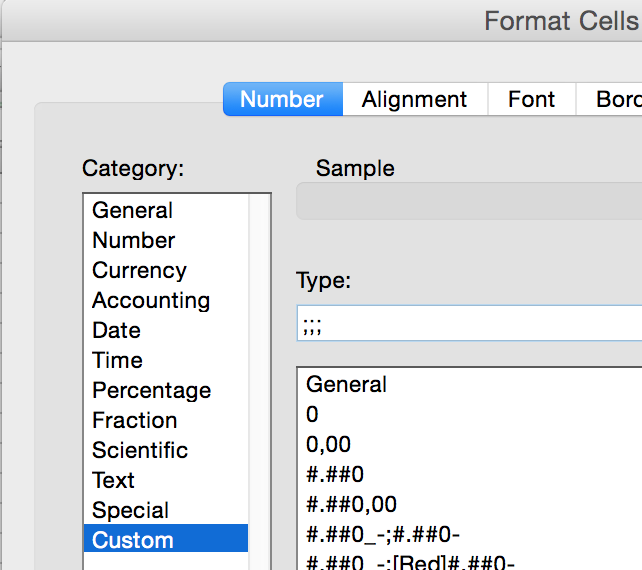
You can watch a movie here.
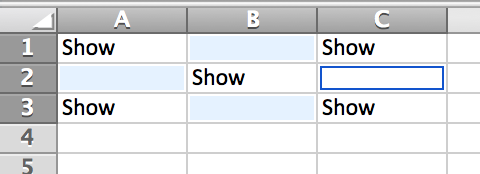
- In Excel your file now will look like this:
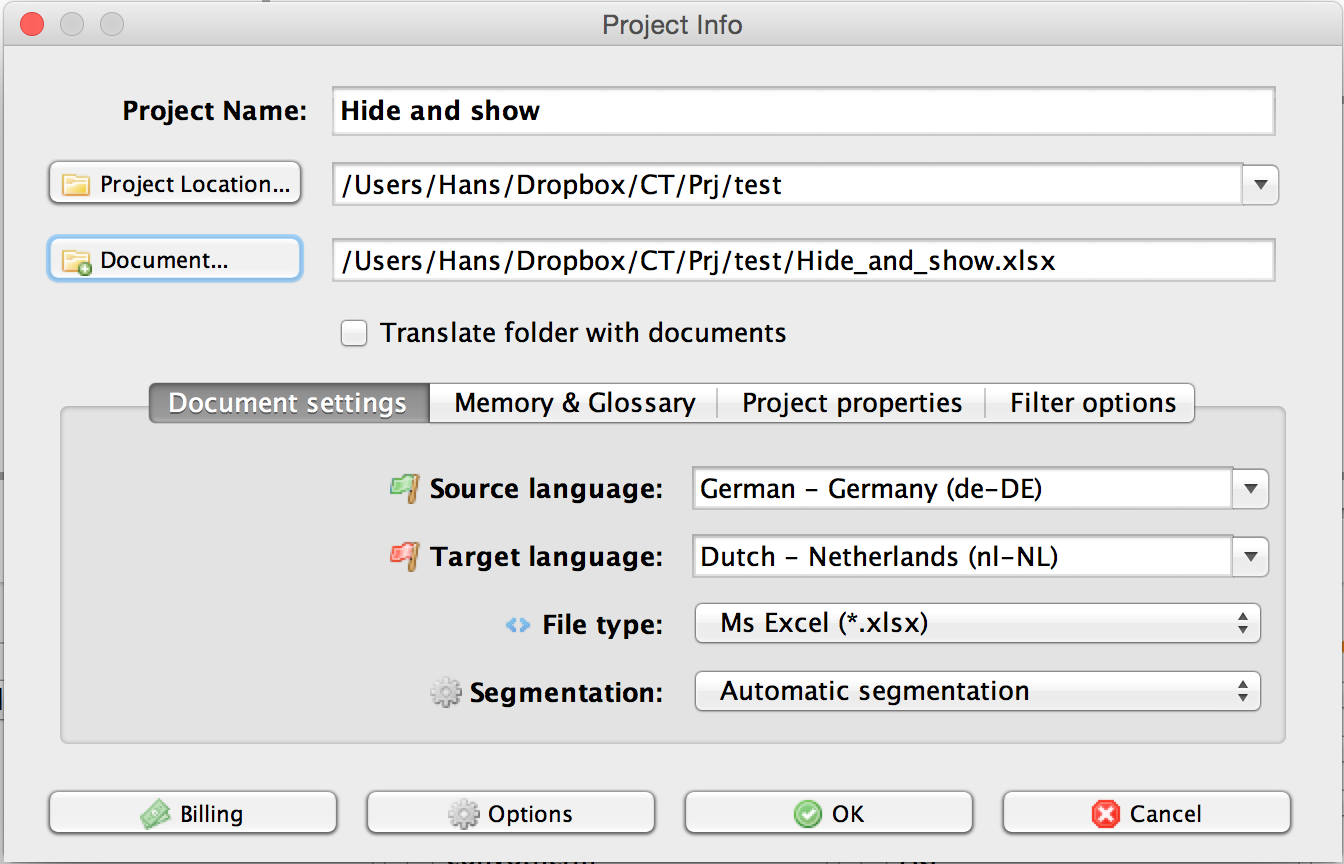
- Create a new Excel project in CafeTran:
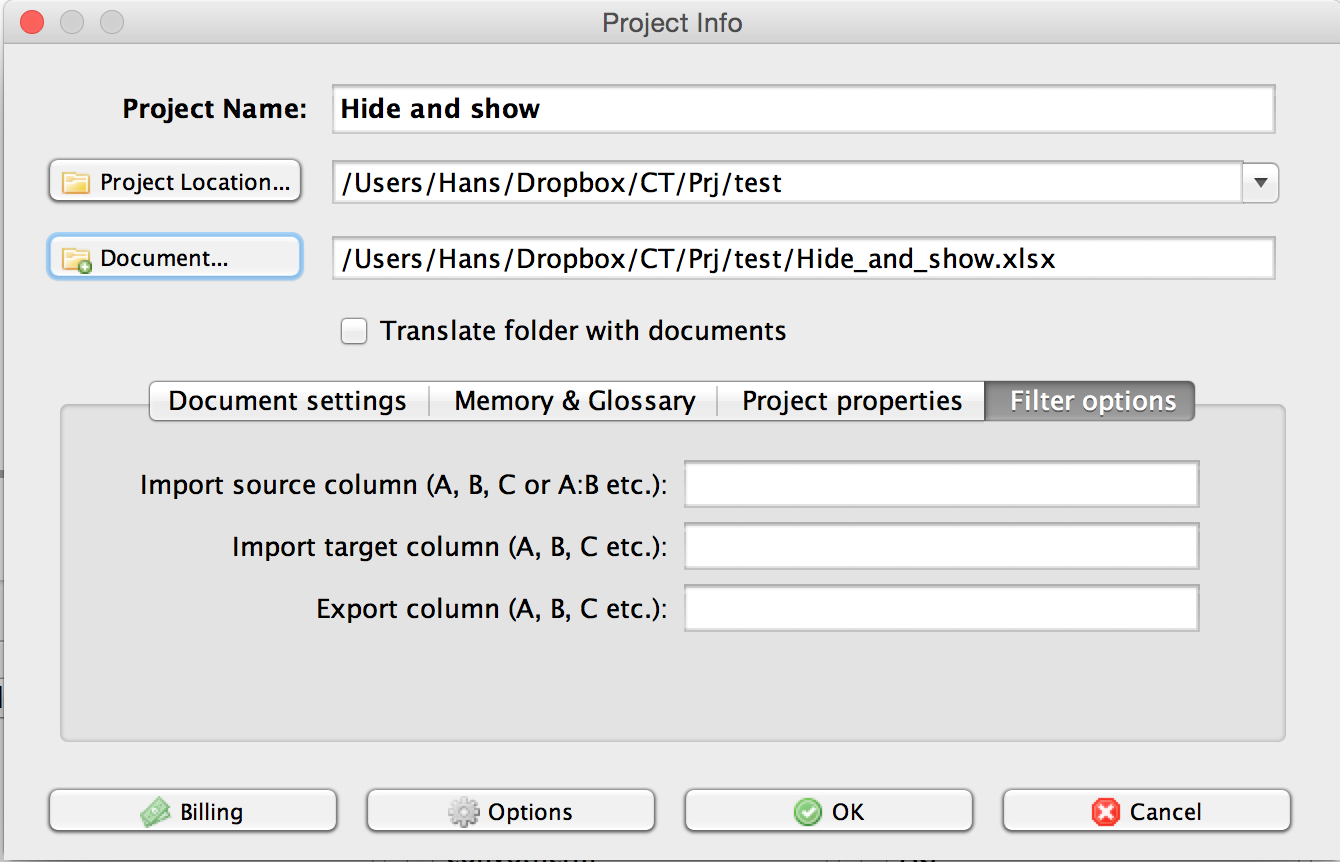
- On the Filter options tab of the Project Info dialogue box leave all fields empty:
- Import the Excel file.
- In CafeTran translate and export the Excel file:
- In Excel your exported file will look like this:
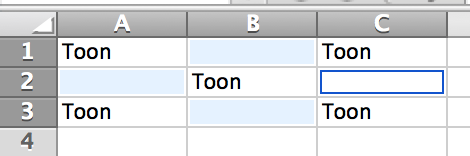
- In Excel select all cells (Ctrl+A) and in the Format cells dialogue box assign the General format to your selection in order to make all cells visible again:

The result:

