Installing Java in OS X Yosemite
WARNING: Please do not install Java 8 on OS X for use with CafeTran!
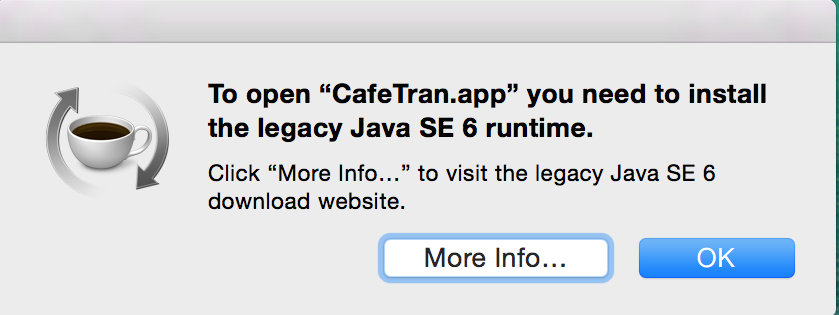
When you upgraded your Mac to OS X Yosemite or when you bought your Mac after October 16, 2014, you will have to install the old Java 6 version from Apple. When you click on the CafeTran app, you will see a prompt. Follow the steps to download Java 6:
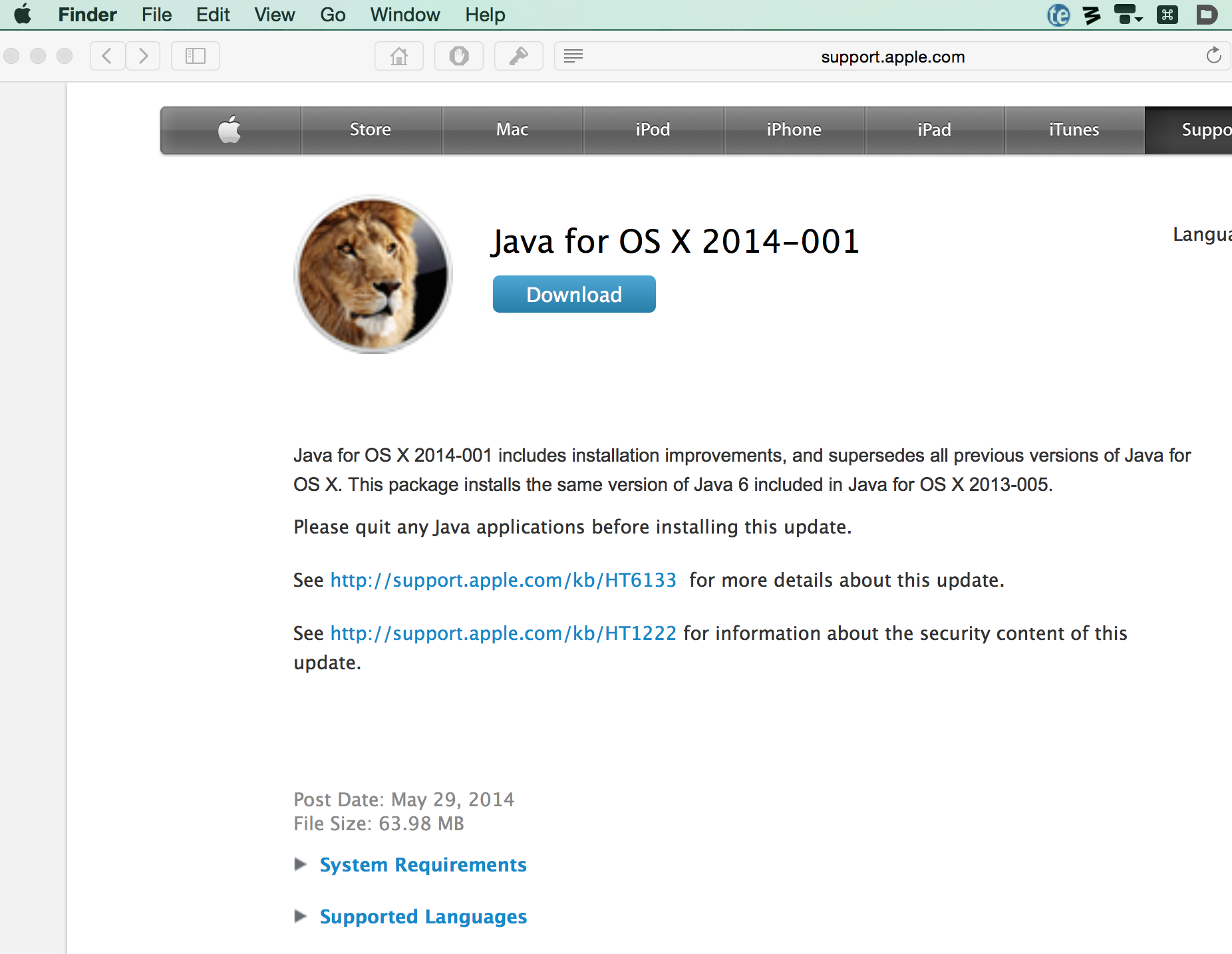
It's easy – just go here:
http://support.apple.com/kb/DL1572
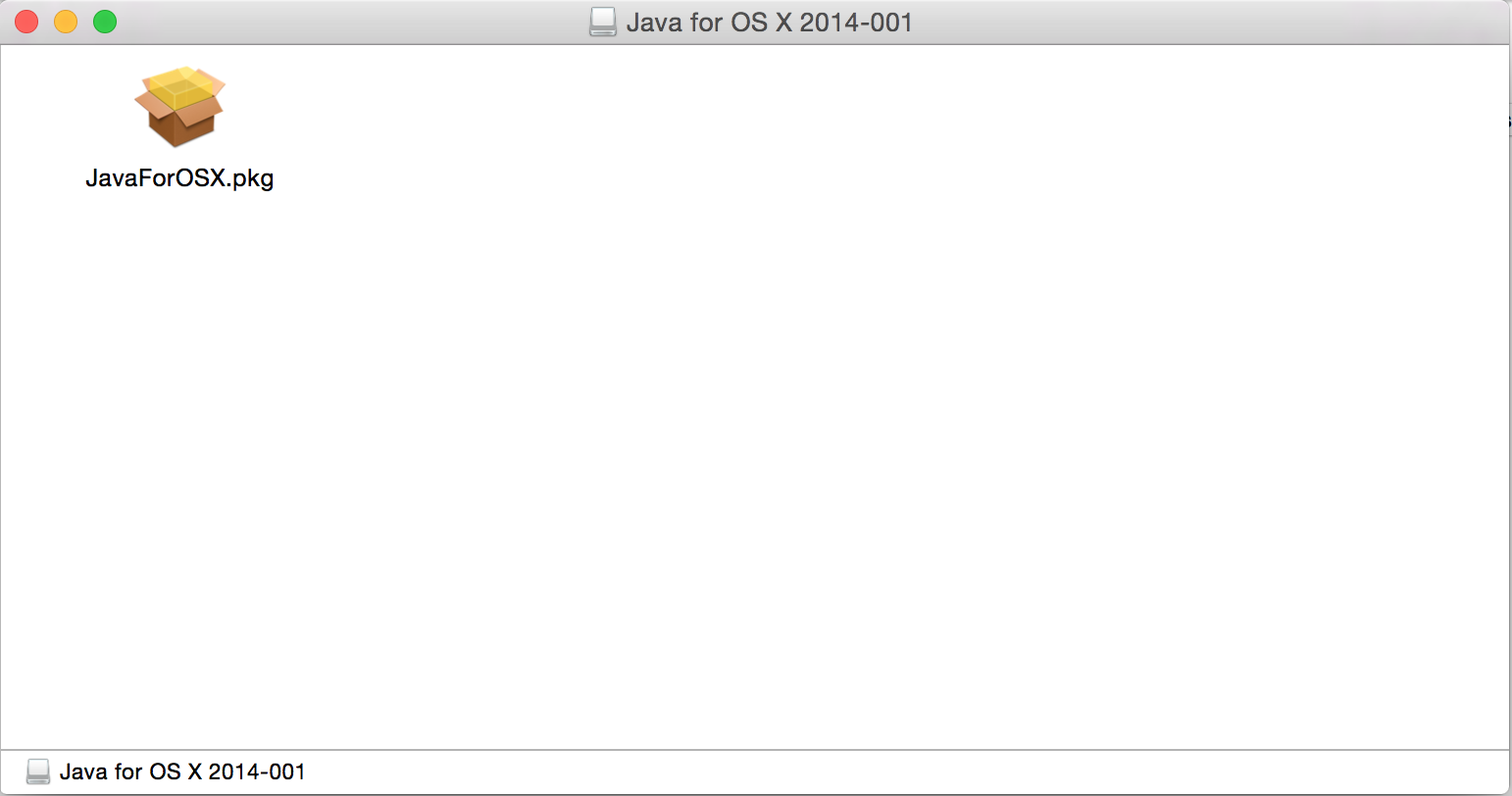
and click on "Download":
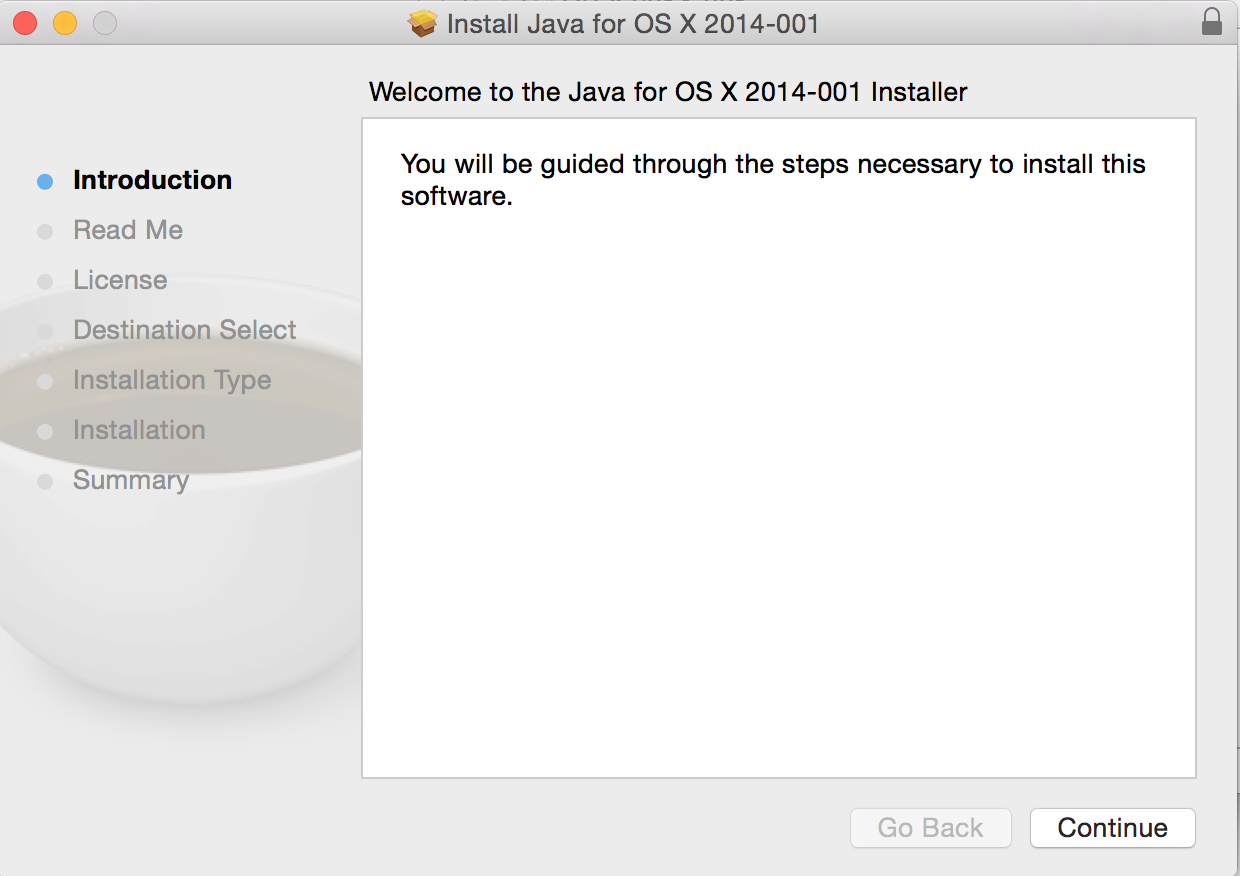

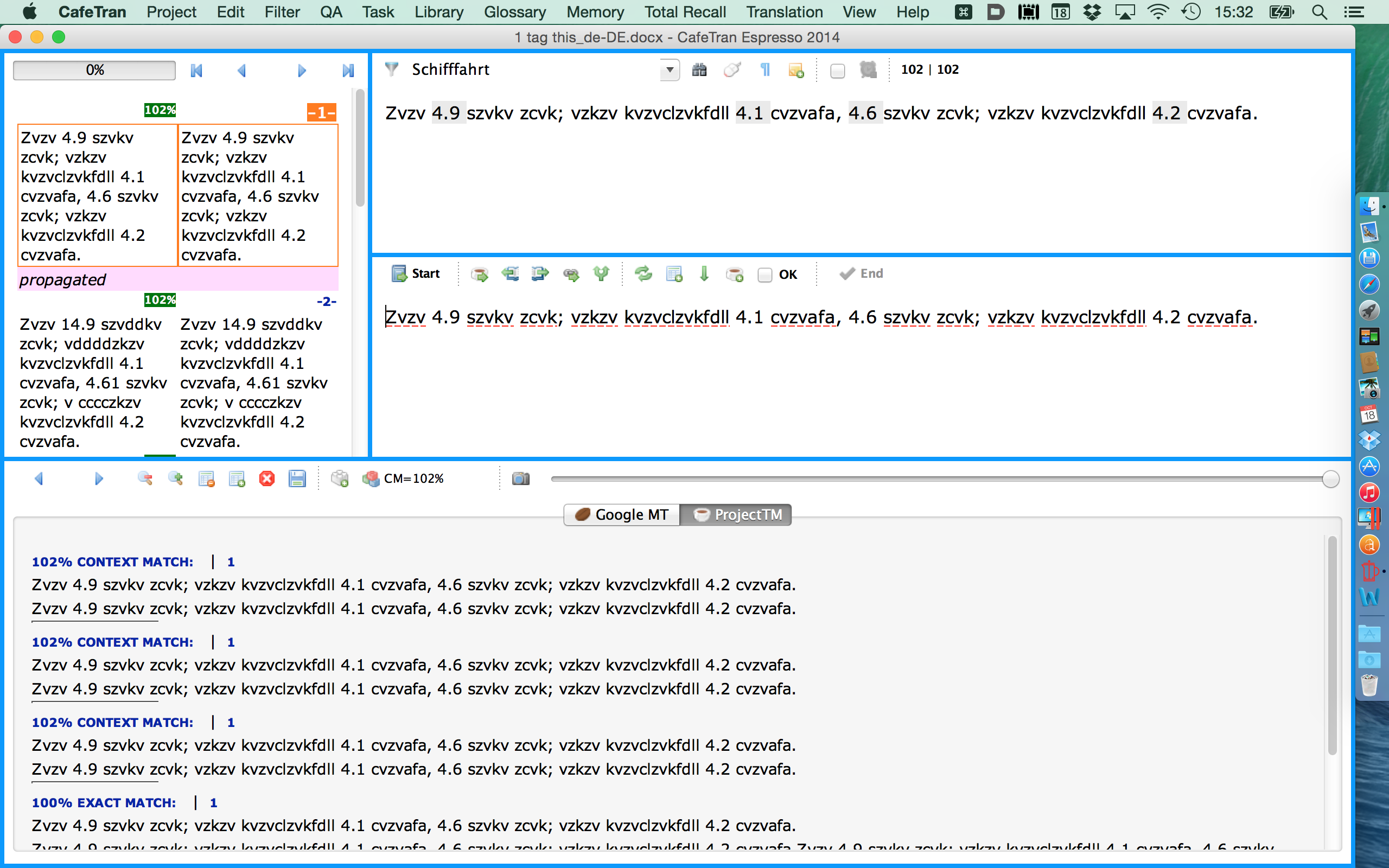
You can now start CafeTran: