Spell-checking a glossary
- Take out the first column.
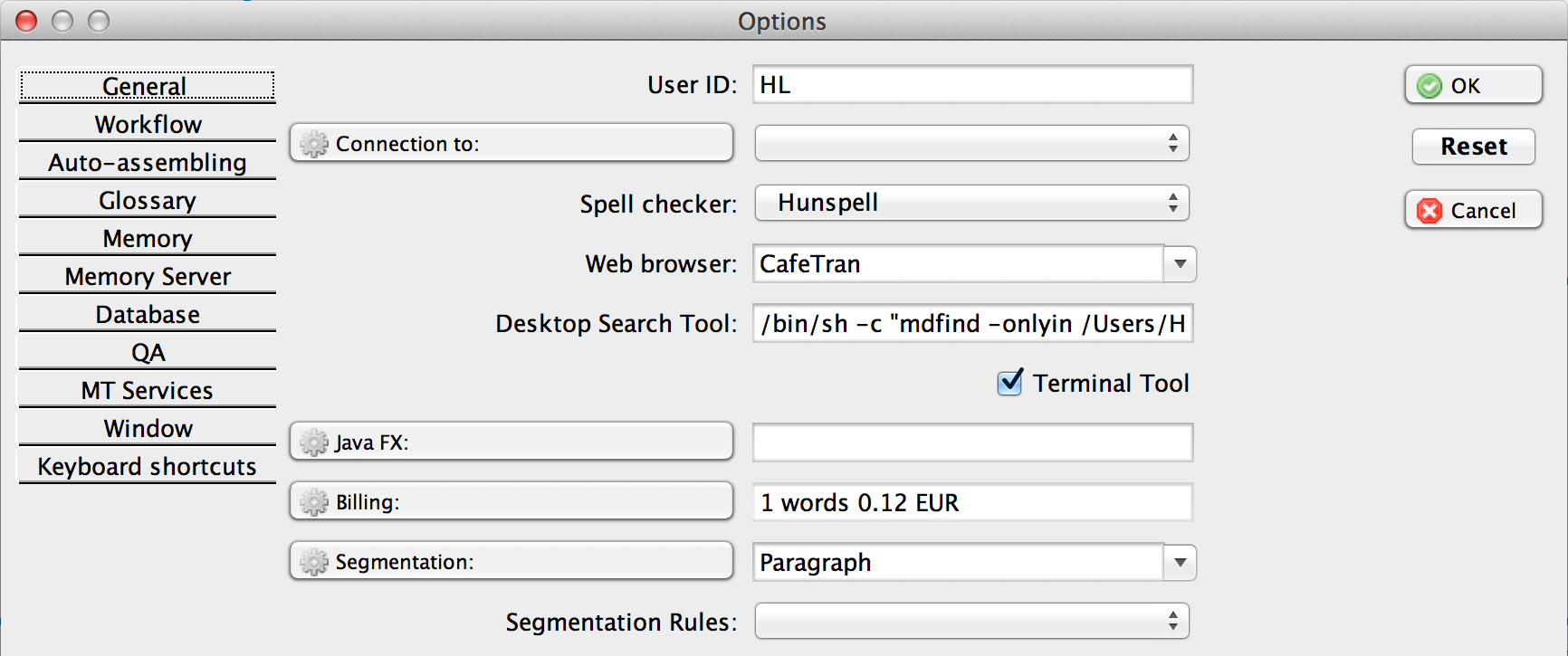
- Set the segmentation to ‘Paragraph’:
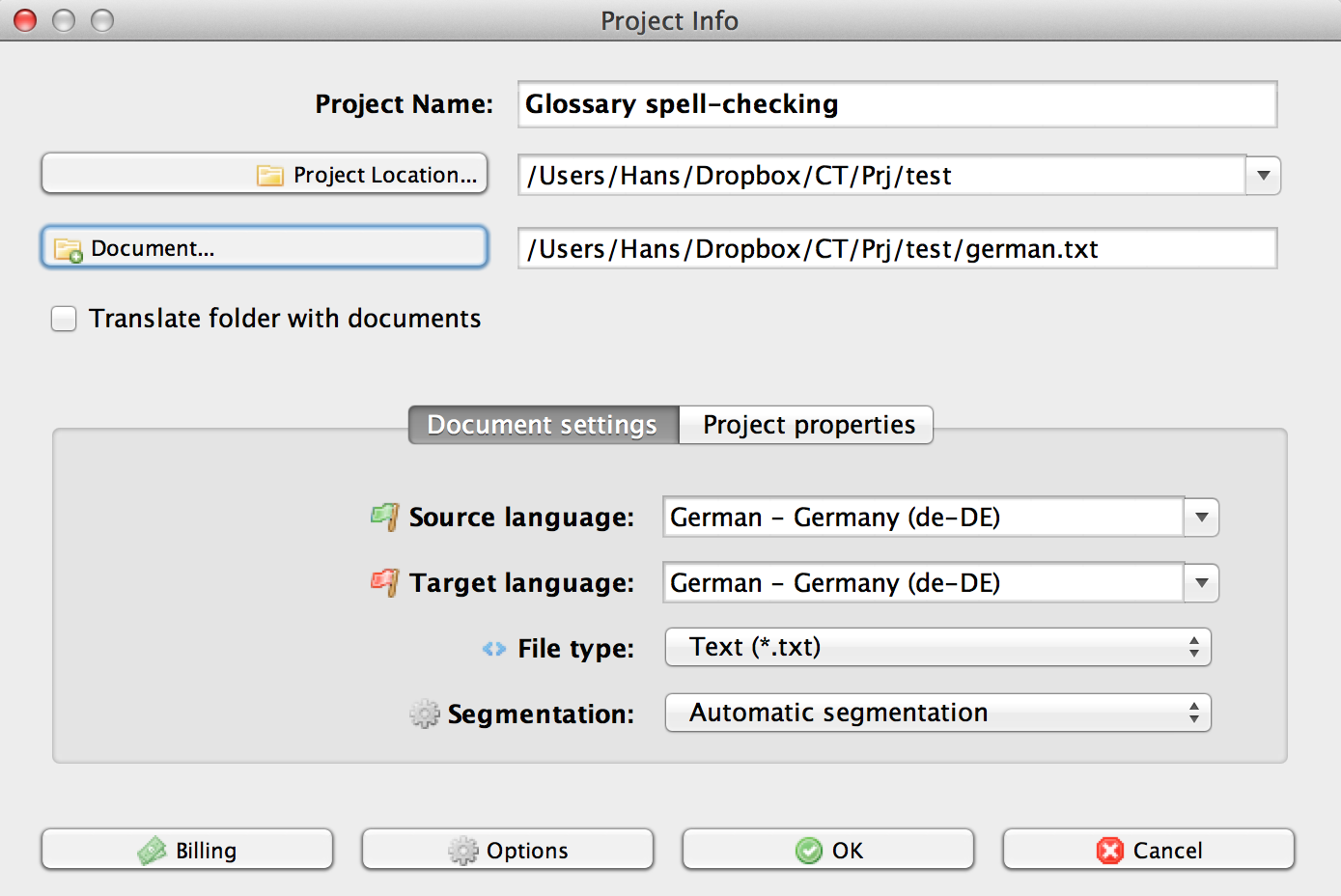
- Create a new project and set the target language to the source language of the glossary:
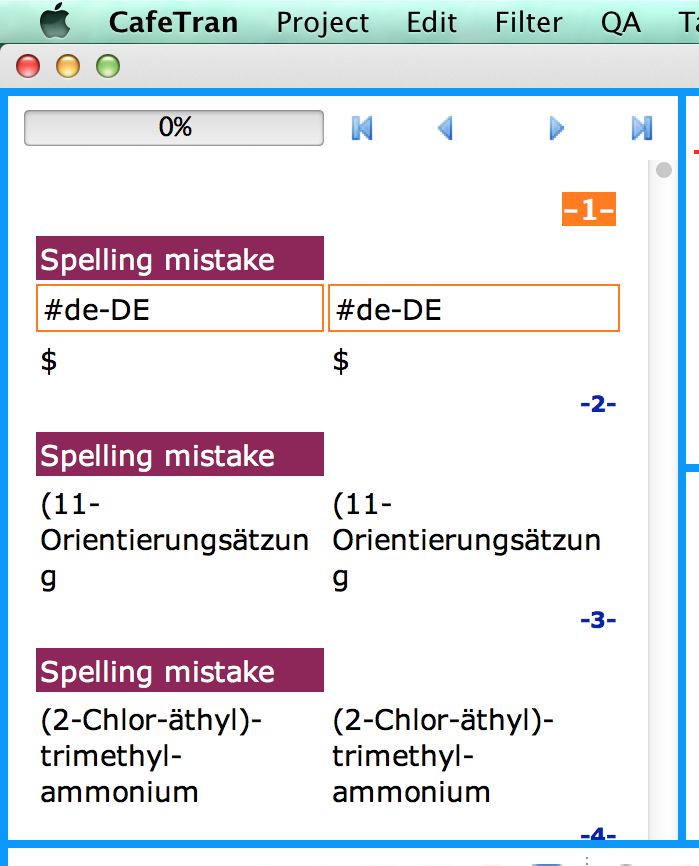
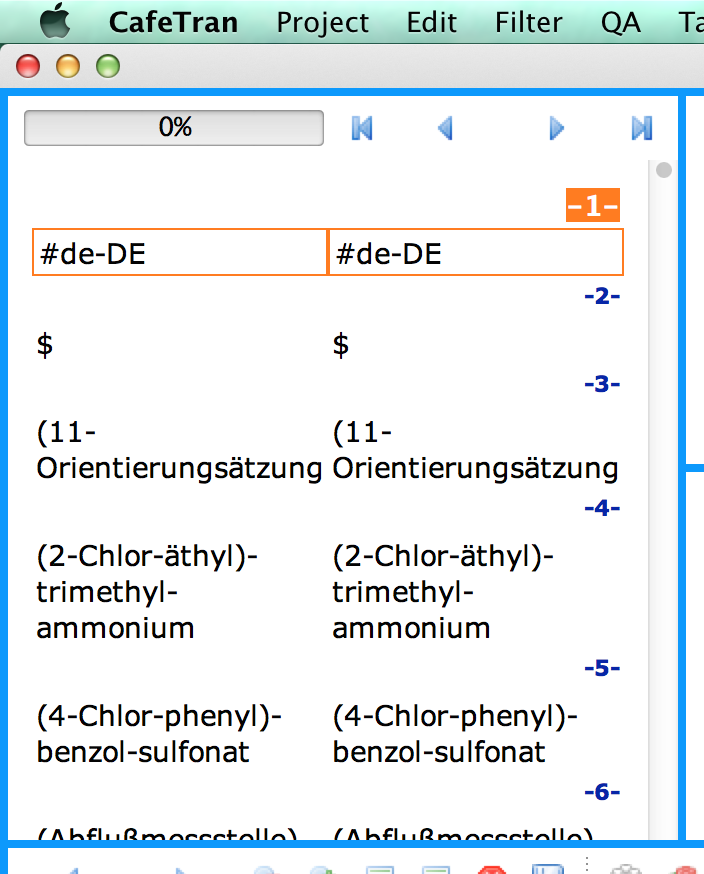
The first column of your glossary is imported:

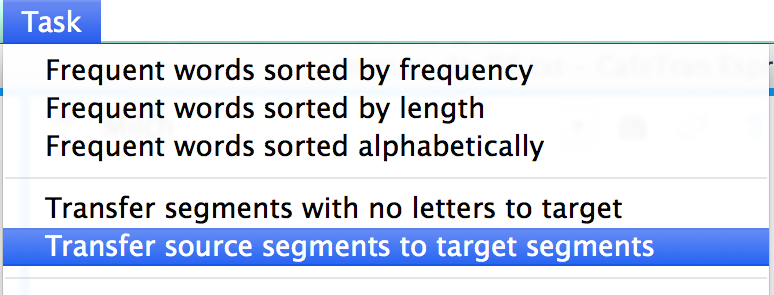
- Choose Task > Transfer source segments to target segments:
All target segments are populated:
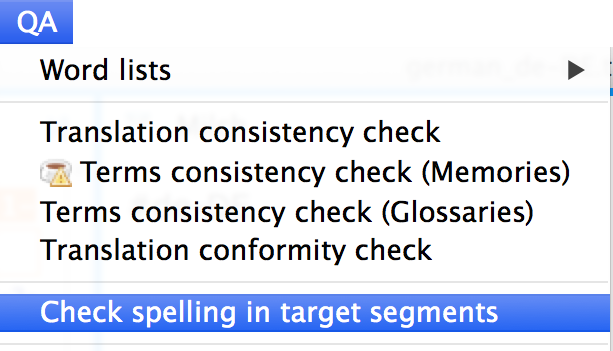
- Choose QA > Check spelling in target segments:
All target segments are filtered out: